
How to Choose the Right Microsoft Teams Room System for Your Business
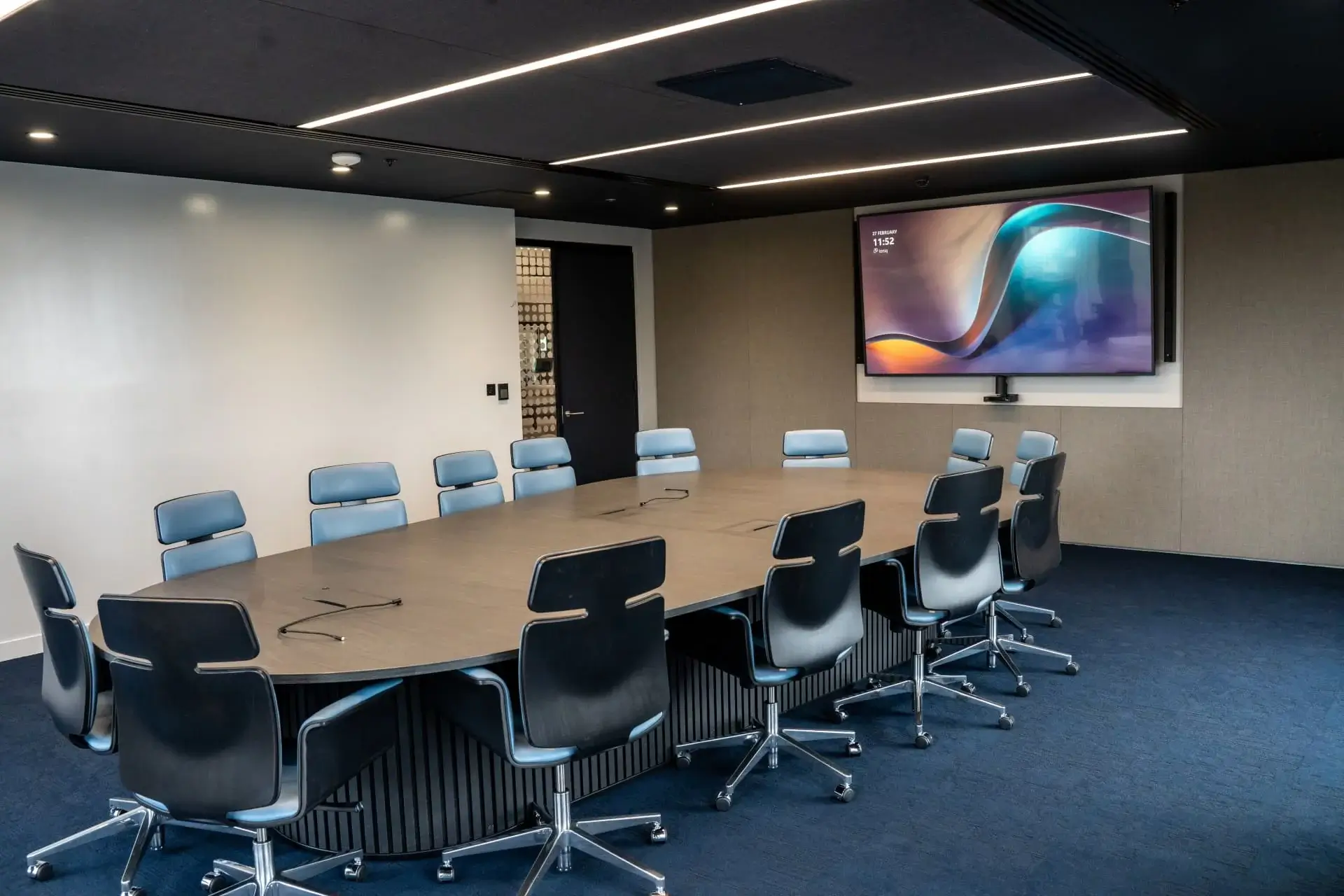
With so many Microsoft Teams Room solutions available, choosing the right one can quickly become overwhelming. From cameras and microphones to room layouts and user experience, there are far more factors to consider than simply selecting a hardware bundle.
The right Microsoft Teams Room system should be designed around the way your people work. Whether you’re upgrading an existing meeting space or planning a new office, taking the time to understand your requirements before choosing the technology will lead to a more reliable, intuitive and future-ready solution.
In this guide, we’ll explain what to consider when choosing a Microsoft Teams Room system and how working with an experienced AV integrator can help you get the most from your investment.
What Is a Microsoft Teams Room System?
A Microsoft Teams Room (MTR) is a dedicated meeting room solution that combines Microsoft Teams with certified audio-visual hardware, allowing users to join meetings with a single touch.
A typical Microsoft Teams Room includes:
- A touchscreen control panel
- A Microsoft Teams Room compute device
- Professional meeting cameras or soundbar
- High-quality microphones and speakers
- One or more meeting room displays
- Wireless content sharing
The result is a meeting room that delivers a consistent experience, whether users are collaborating in person or remotely.
There’s No Such Thing as a One-Size-Fits-All Solution
One of the biggest misconceptions is that every meeting room needs the same technology.
In reality, every organisation works differently. A small huddle space has very different requirements from a boardroom, training room or divisible conference space.
Before recommending any hardware, we take time to understand questions such as:
- How many people typically use the room?
- Will external clients join meetings?
- Is the room used for presentations or training?
- Do you need wireless content sharing?
- Will the room support hybrid collaboration?
- Are there any accessibility requirements?
- Is the room likely to evolve as your business grows?
Answering these questions early helps ensure the technology supports your users rather than creating additional complexity.
Our Process: From Consultation to Long-Term Support
At ClearVC, we believe successful meeting room technology starts long before installation day. Our approach is built around four simple stages that ensure every solution is designed for long-term success.
1. Consultation & Discovery
Every project begins with a conversation.
Our free consultation allows us to understand your business, your meeting spaces, and the challenges you’re trying to solve. We’ll discuss your current setup, future plans, budget, and how your teams collaborate day to day.
Where required, we’ll carry out a site survey to assess room layouts, lighting, acoustics, network infrastructure and existing equipment.
The goal isn’t to sell hardware. It’s to understand what success looks like for your organisation.
2. Solution Design
Once we understand your requirements, we design a Microsoft Teams Room solution tailored specifically to your environment.
This includes considering factors such as:
- Camera positioning for the best participant experience
- Microphone coverage and speech clarity
- Speaker placement
- Display sizes and viewing angles
- Cable management
- Future scalability
- Integration with existing Microsoft 365 services
- Room booking and scheduling systems
Every recommendation is based on creating a meeting space that’s intuitive, reliable and easy for everyone to use.
3. Supply & Professional Installation
With the design agreed, our experienced in-house engineers handle the installation from start to finish.
We manage every aspect of the deployment, including:
- Hardware supply
- First fix cabling
- Installation and configuration
- Microsoft Teams Room setup
- System testing
- User training
- Project documentation
If you’re relocating or fitting out a new office, we also work alongside principal contractors and other trades to ensure your AV installation integrates seamlessly into the wider project.
4. Ongoing Support & Maintenance
Our relationship doesn’t end once the installation is complete.
Technology should continue to perform long after day one, which is why we provide ongoing support to keep your meeting rooms running at their best.
Our support services include:
- Unlimited helpdesk assistance
- Remote technical support
- Fast onsite engineering
- Proactive AV Health Visits
- Firmware and software updates
- System optimisation and recommendations
Having direct access to experienced AV specialists means your users spend less time dealing with technical issues and more time collaborating effectively.
Common Mistakes When Choosing a Microsoft Teams Room System
Choosing the wrong solution can lead to frustration, poor adoption and unnecessary support calls.
Some of the most common mistakes we see include:
- Buying equipment before understanding the room’s requirements
- Underestimating the importance of room acoustics
- Focusing solely on price rather than usability
- Forgetting about user training
- Overlooking future expansion
- Choosing unsupported or non-certified hardware
- Not planning for ongoing maintenance
Avoiding these pitfalls early can save both time and money in the long run.
Why Work With a Specialist AV Integrator?
While it’s possible to purchase Microsoft Teams Room hardware online, selecting the right products is only one part of a successful deployment.
An experienced AV integrator helps ensure your meeting spaces are designed correctly from the outset, professionally installed, fully tested and supported long after the project is complete.
At ClearVC, we don’t just supply Microsoft Teams Room systems. We design, install and support meeting spaces that are built around the way your organisation works, ensuring your technology delivers value from day one and continues to perform for years to come.
Book Your Free Microsoft Teams Room Consultation
If you’re planning to upgrade your meeting rooms, relocate your office, or simply want advice on the best Microsoft Teams Room solution for your business, we’d be happy to help.
Our free, no-obligation consultation gives you the opportunity to discuss your requirements with one of our AV specialists. We’ll answer your questions, recommend the most suitable approach, and help you build a solution that’s tailored to your organisation.
Or, if you’d prefer, get in touch with the ClearVC team to arrange a discovery call at a time that suits you.
The best Microsoft Teams Room system isn’t the one with the longest list of features. It’s the one that’s designed around your people, your spaces and the way your business works.
By taking the time to understand your requirements, designing a tailored solution and providing ongoing support, you can create meeting rooms that encourage collaboration, reduce technical frustrations and deliver value for years to come.