What is Bring Your Own Meeting (BYOM)?
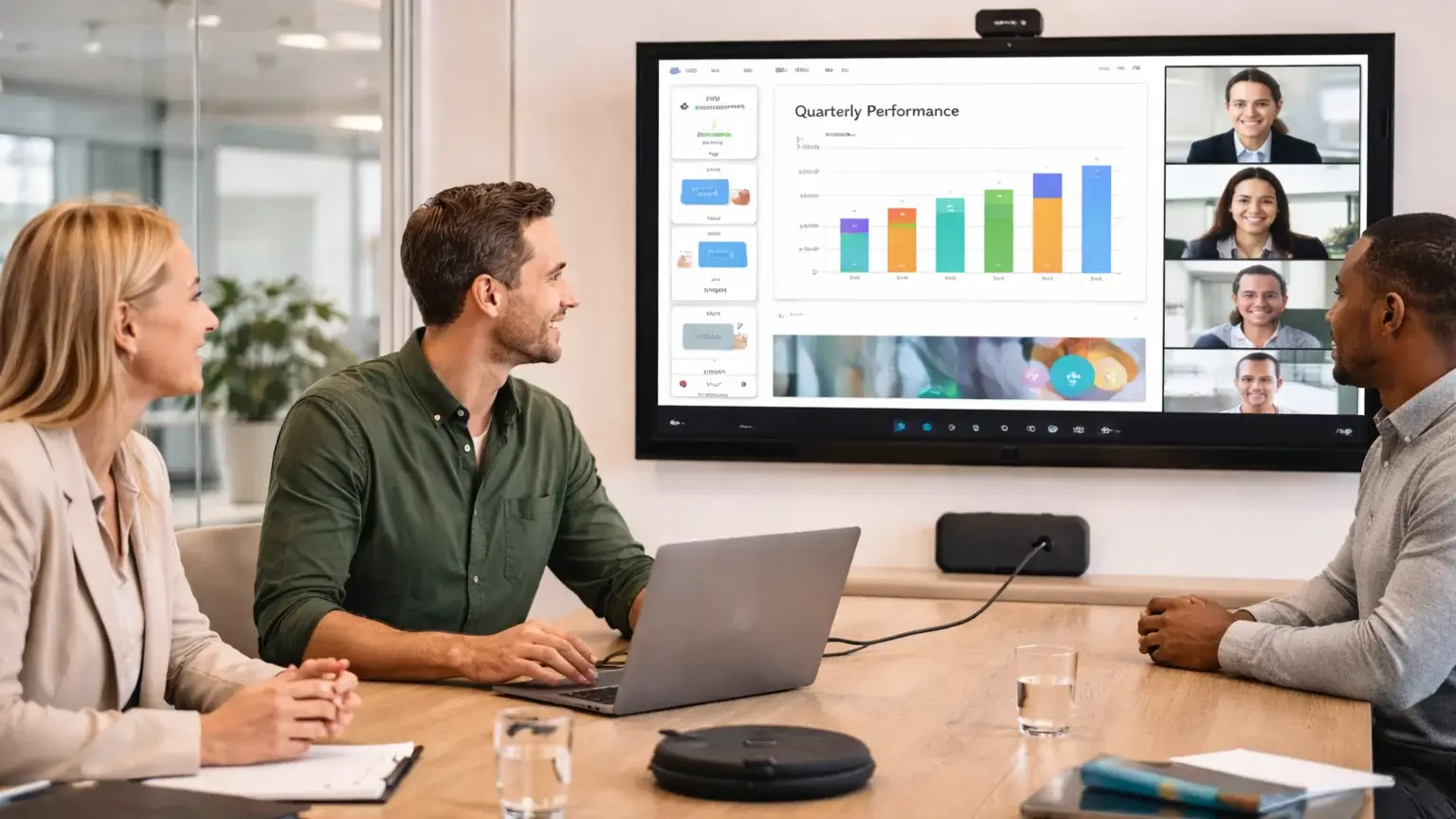
As meeting rooms evolve to support hybrid working, many organisations are moving towards more flexible setups. One of the most popular approaches is Bring Your Own Meeting (BYOM).
Instead of relying on a fixed room system tied to a single platform, BYOM allows users to run meetings directly from their own laptop while still using the professional audio and video equipment in the room.
What does BYOM mean?
Bring Your Own Meeting (BYOM) refers to a meeting room setup where users connect their own device — typically a laptop — to the room’s display, camera, microphone and speakers.
Rather than using a pre-configured system, users simply:
- Walk into the room
- Connect wirelessly or via a single cable
- Launch their preferred meeting platform
- Use the room’s AV equipment automatically
This gives users full control over their meeting while still benefiting from a high-quality, room-based experience.
BYOM systems are typically powered by wireless conferencing solutions such as:
- Barco ClickShare
- Mersive Solstice
These devices bridge the gap between personal devices and room technology.
What Are the Advantages of BYOM?
Platform Flexibility
One of the biggest benefits of BYOM is that it works with virtually any meeting platform.
Whether users prefer Microsoft Teams, Zoom, Google Meet or another service, they can simply join meetings as they normally would — no restrictions.
Simple User Experience
BYOM removes the need to learn different in-room systems.
Users already know how to run meetings from their own laptops, so the experience is familiar:
- No training required
- No complicated room interfaces
- Faster meeting start times
Better Use of Room Technology
Instead of relying on laptop cameras and microphones, BYOM allows users to take advantage of:
- Professional room cameras
- High-quality microphones
- Optimised audio systems
This results in a much better experience for remote participants.
Reduced Friction and Support Requirements
Because users are running meetings from their own devices, there are fewer issues with:
- Logging into shared room systems
- Account conflicts
- Software updates on in-room PCs
This can significantly reduce IT support overhead.
Ideal for Mixed Environments
BYOM is particularly useful in organisations where:
- Multiple platforms are used across teams
- Guests regularly host meetings
- Flexibility is more important than standardisation
BYOM vs Dedicated Room Systems
BYOM doesn’t replace solutions like Microsoft Teams Rooms or Zoom Rooms — it complements them.
- BYOM → Best for flexibility and multi-platform environments
- Dedicated room systems → Best for consistency and one-touch join experiences
Many organisations now deploy a mix of both, depending on room type and use case.
How Can I Get a BYOM System?
If you’re looking to make your meeting rooms more flexible and easier to use, BYOM is a great option.
We work with leading meeting room technology providers to design and deliver BYOM solutions tailored to your space — whether that’s a single huddle room or a full workplace rollout.
Call 0800 368 7358 to speak to one of our experts or arrange a demonstration.